
What is an application?
INFO
As we have introduced before, user pool is the smallest unit of tenant isolation in GenAuth, which stores all user data in your user system; and the application corresponds to the business application you created in reality.
A user pool may have multiple applications. For example, all students of a school are in a user pool, and the school will develop multiple applications such as course selection application, email application, teacher-student service center, etc. at the same time, and these applications will use the same user system.
Where can I see all my applications?
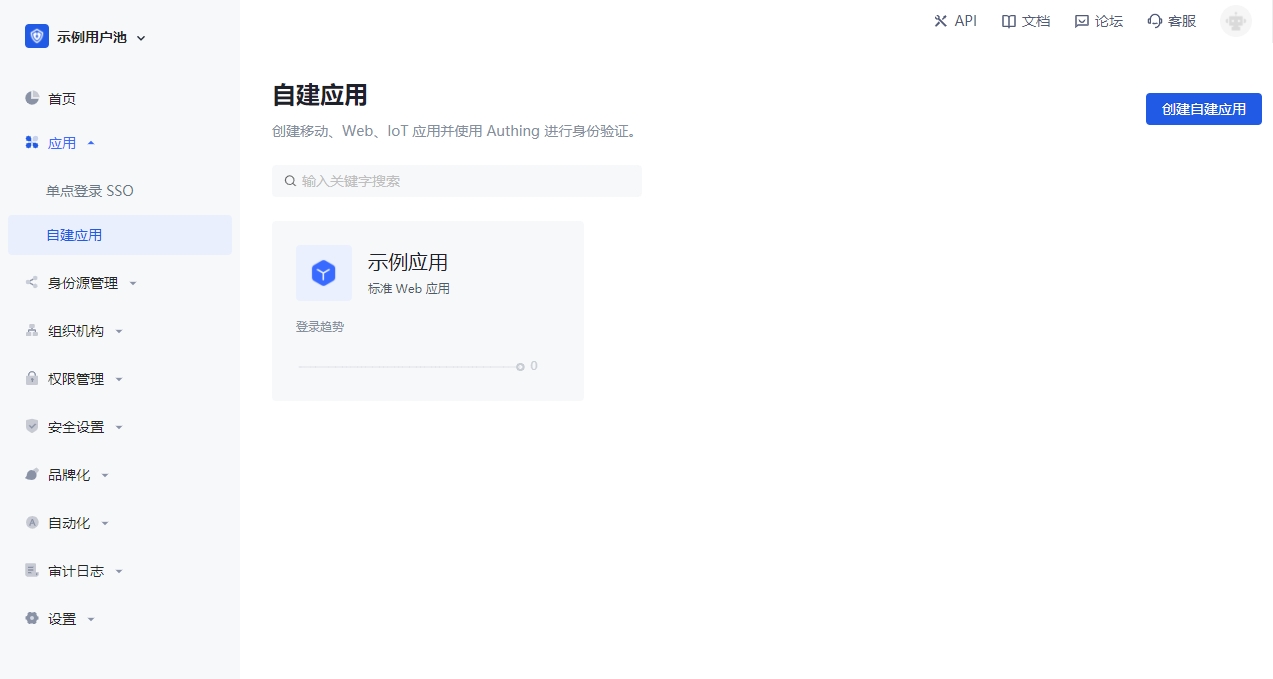
You can view all your applications on the Applications->Self-built Applications page of the console:
Applications share a user directory
The first thing you need to remember is that all applications in a user pool share a user directory. This design fundamentally solves the problem of user-system fragmentation that is common in old systems.
Implement single sign-on between applications
You need to first click Add self-built application or Add integrated application on the Application->Single sign-on SSO management page, as shown in the figure below:
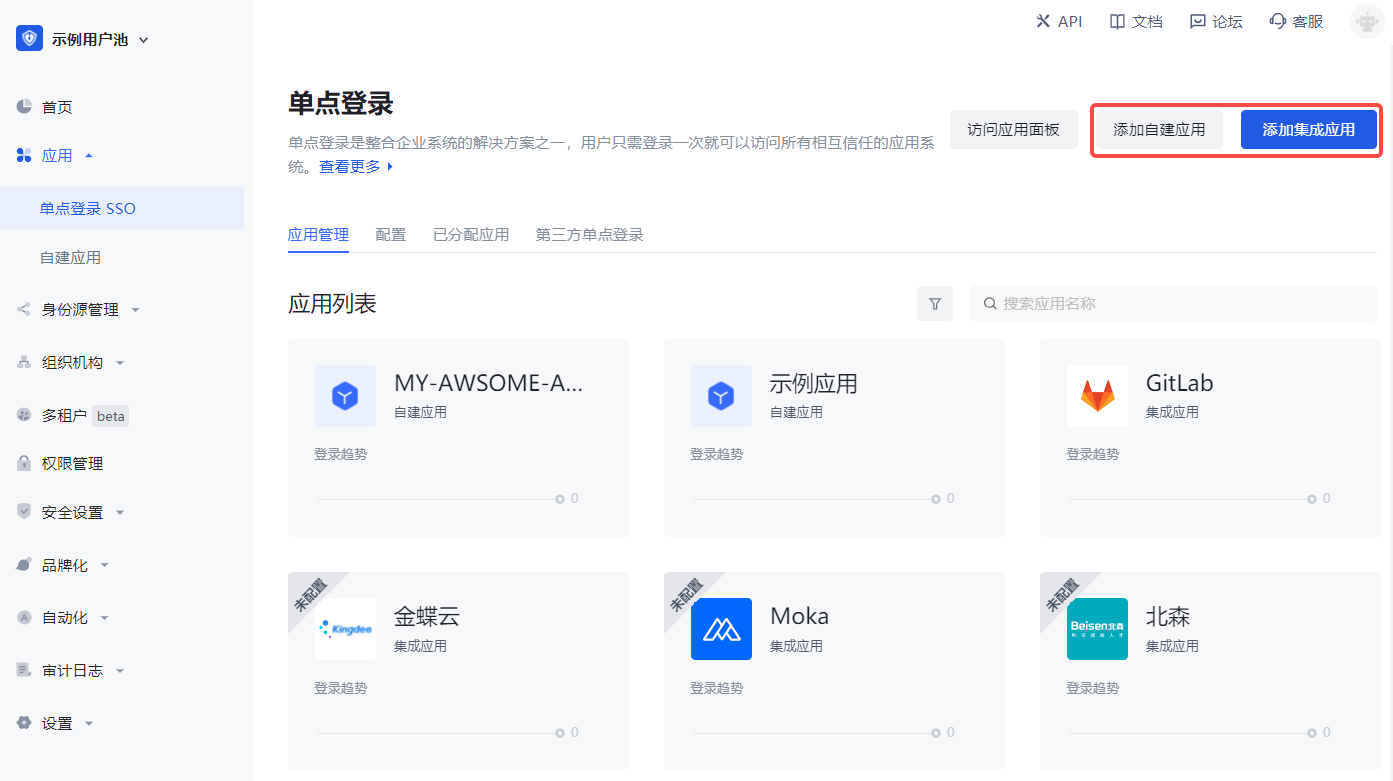
After adding the application, after logging in to application A, the user will automatically log in when accessing application B. For more details, please refer to the Implementing Single Sign-On (SSO) guide and the Single Sign-On SDK.
Access the online login form
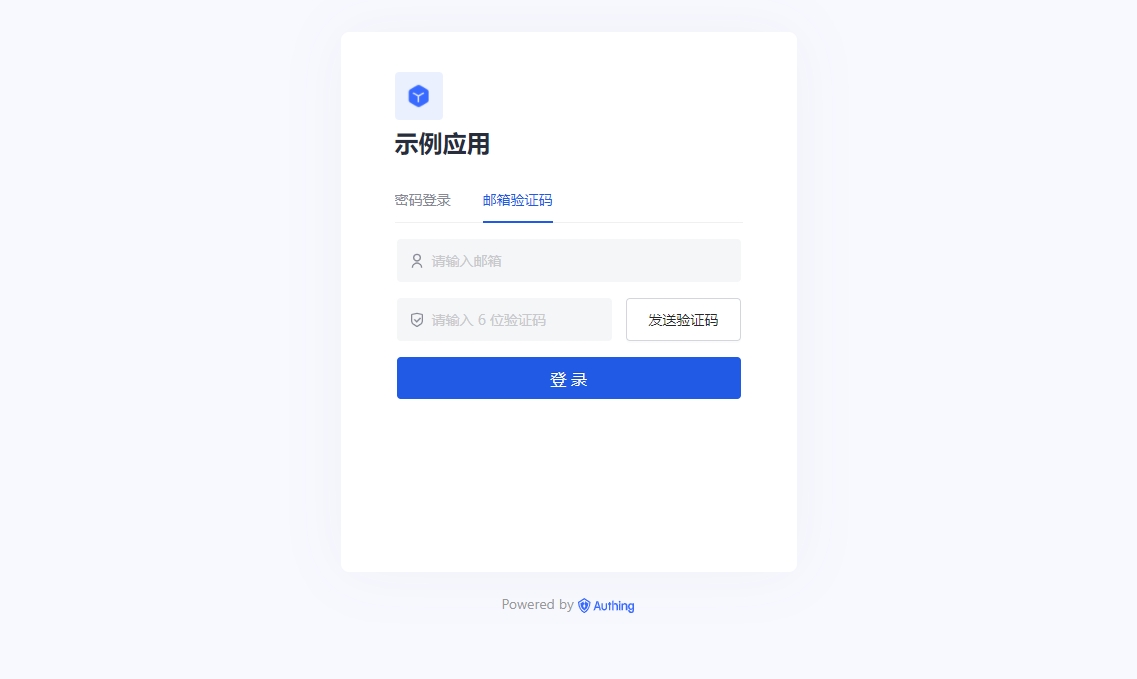
Each application in GenAuth has an online login registration page for end users. You can visit "https://<YOUR_APP_DOMAIN>.genauth.ai/" or "https://<YOUR_APP_DOMAIN>.genauth.ai/login":
Integrate the component version of the application login box into your application system
The GenAuth embedded login component is a lightweight, modern, and highly scalable front-end login component provided by GenAuth. It supports native JavaScript and the three major front-end frameworks of React, Vue, and Angular. This embedded login component is basically consistent with the login page hosted by GenAuth, and has strong customization capabilities. This component has built-in functions such as password reset, MFA, social login, and scan code login, all of which are highly configurable.
For details, see Use the embedded login component to complete authentication.
Access the online version of the personal center
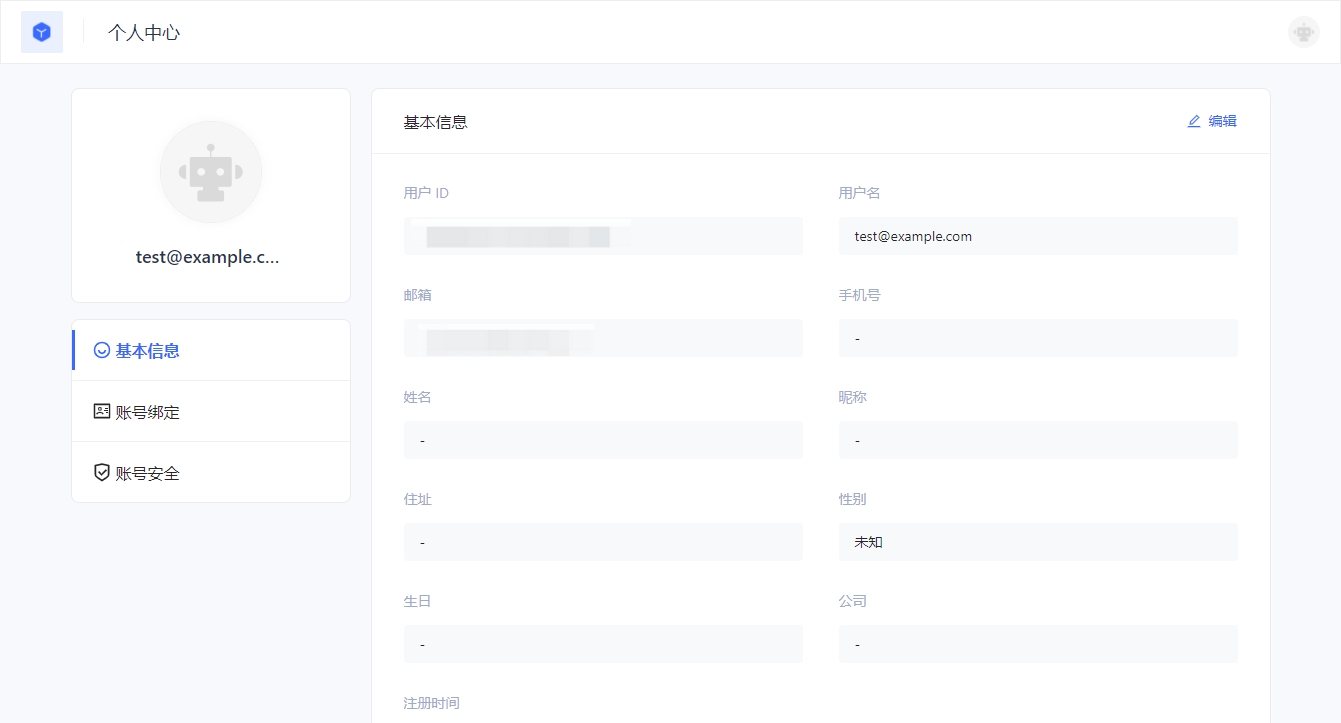
In GenAuth, each application has an online personal center page for end users to use. You can visit https://<YOUR_APP_DOMAIN>.genauth.ai/u to access:
Control whether users can access a specific application
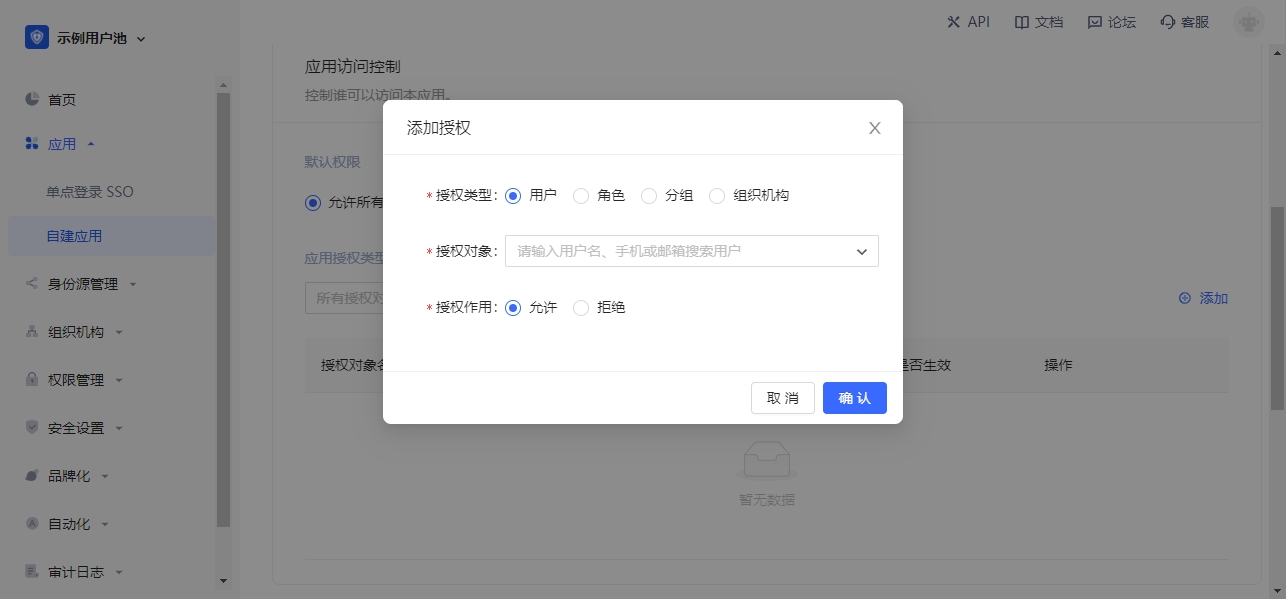
By default, all users in your user pool can log in to your application. You can also control who can access this application in the Application Access Control Module of Application Details Page->Access Authorization.
You can grant users, roles, groups, and organizations access to the app.
Other features
Each app in GenAuth has the following capabilities:
- Become an OIDC identity source.
- Become an OAuth identity source.
- Become a SAML identity source.
- Customize the login style by configuring login registration methods, Configuring social login, customizing CSS, etc.
- Enable registration protocol.
- Complete the registration information. For details, please refer to Extend the authentication process - Complete custom field data during registration.
- Enable multi-factor authentication.
- Manage and authorize API resources. For details, please refer to User-consented resource authorization.
- Application access control, control which users can access your application.
- Sub-accounts, add sub-account login capabilities.
- Login state management, you can view the current online users of the application.