
Create your first Pipeline function
Pipeline functions are custom JavaScript code executed during the GenAuth authentication process. With Pipeline, developers can easily customize and extend the capabilities of GenAuth.
Step 1: Choose a Pipeline template
GenAuth provides many out-of-the-box templates to help you get started quickly.
TIP
You can also view the list of Pipeline template functions here: https://github.com/authing/pipeline. At the same time, you are welcome to use your talents and contribute Pipeline template functions to us.
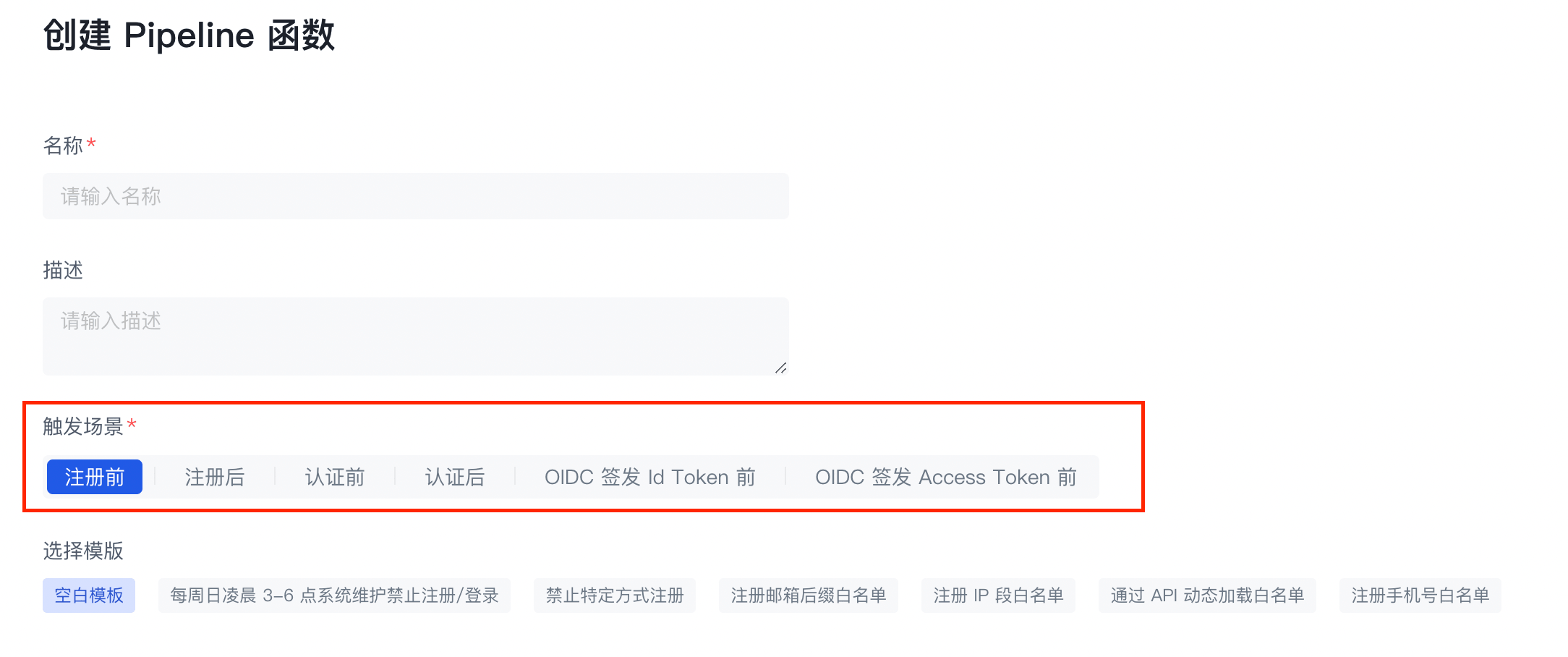
- Select a trigger scene:
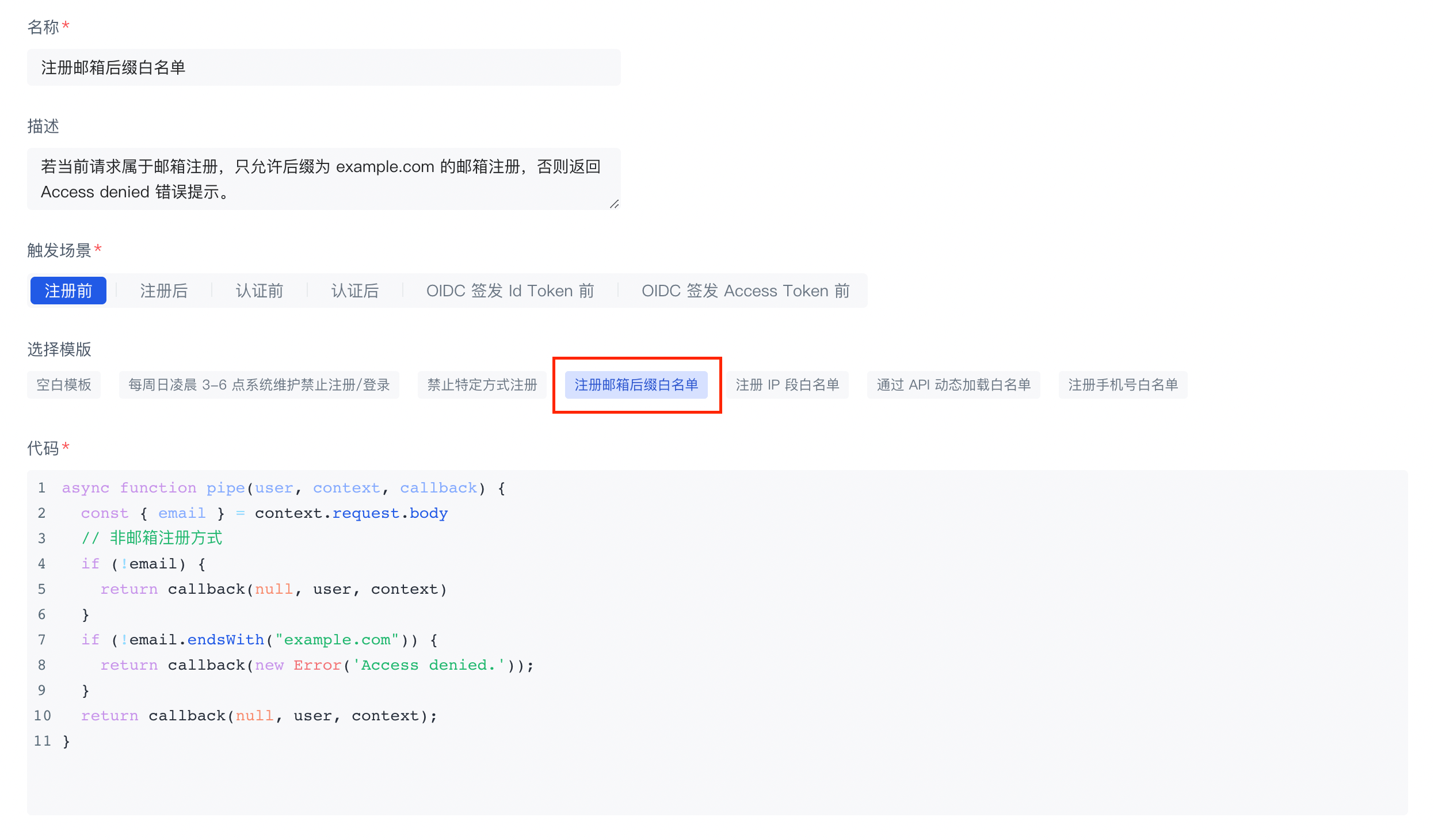
- Select Register email suffix whitelist in access control.
Step 2: Create a Pipeline function
- Here we set the domain name whitelist to
example.com, you can also customize it.
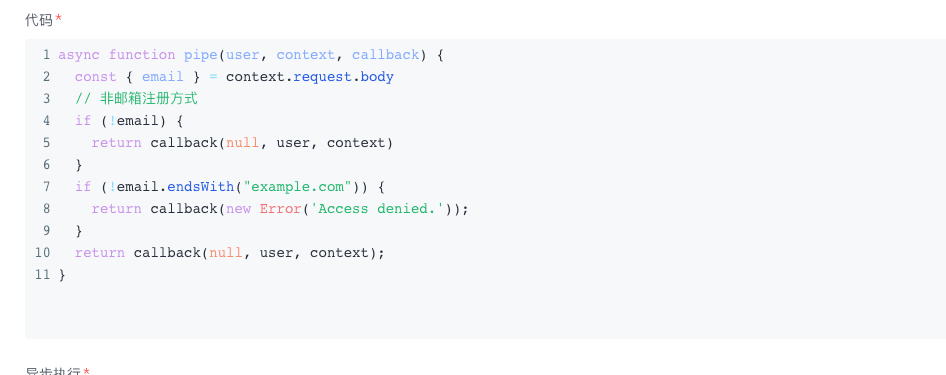
- Click the Create button in the lower left corner. We will deploy this function to the cloud. It will take some time, please be patient.
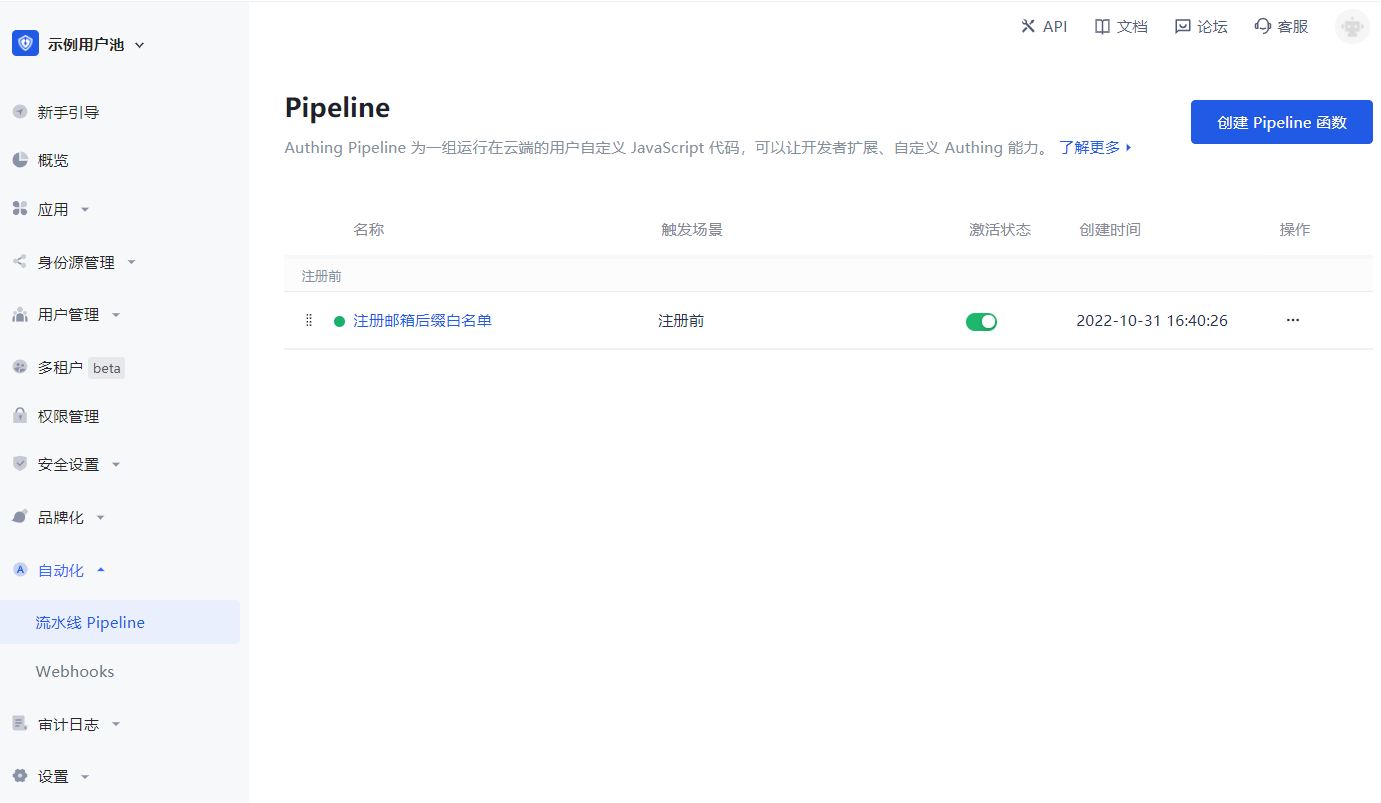
The page returns to the Pipeline function list page, and you can see the Pipeline function we just added.
TIP
If you have multiple Pipeline functions, you can drag the leftmost button to sort them.
Step 3: Verify whether the whitelist is valid
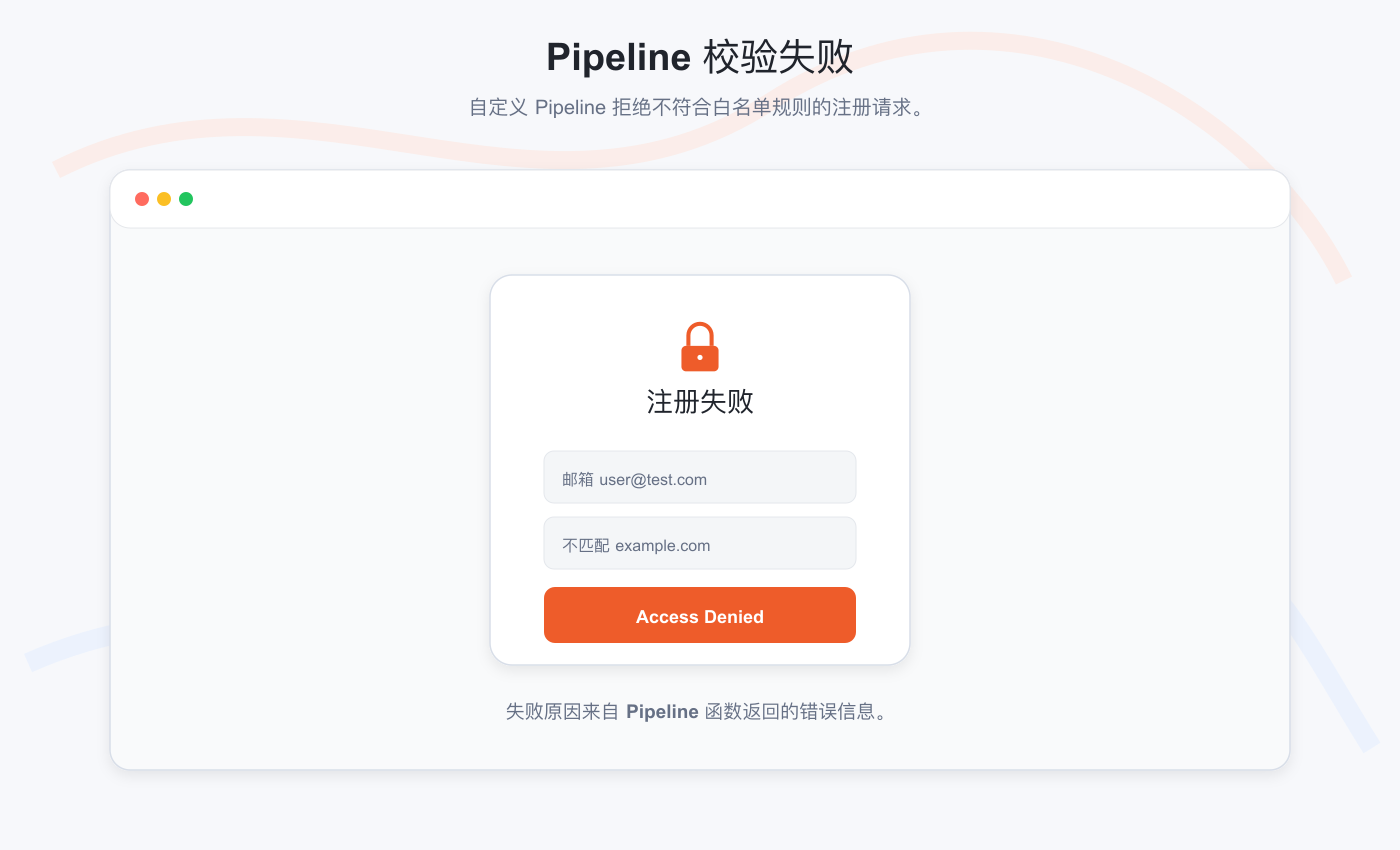
- First, register with an email address that does not have the suffix
example.com. The system prompts "Access Denied." This is the prompt message we specified in the custom Pipeline function.
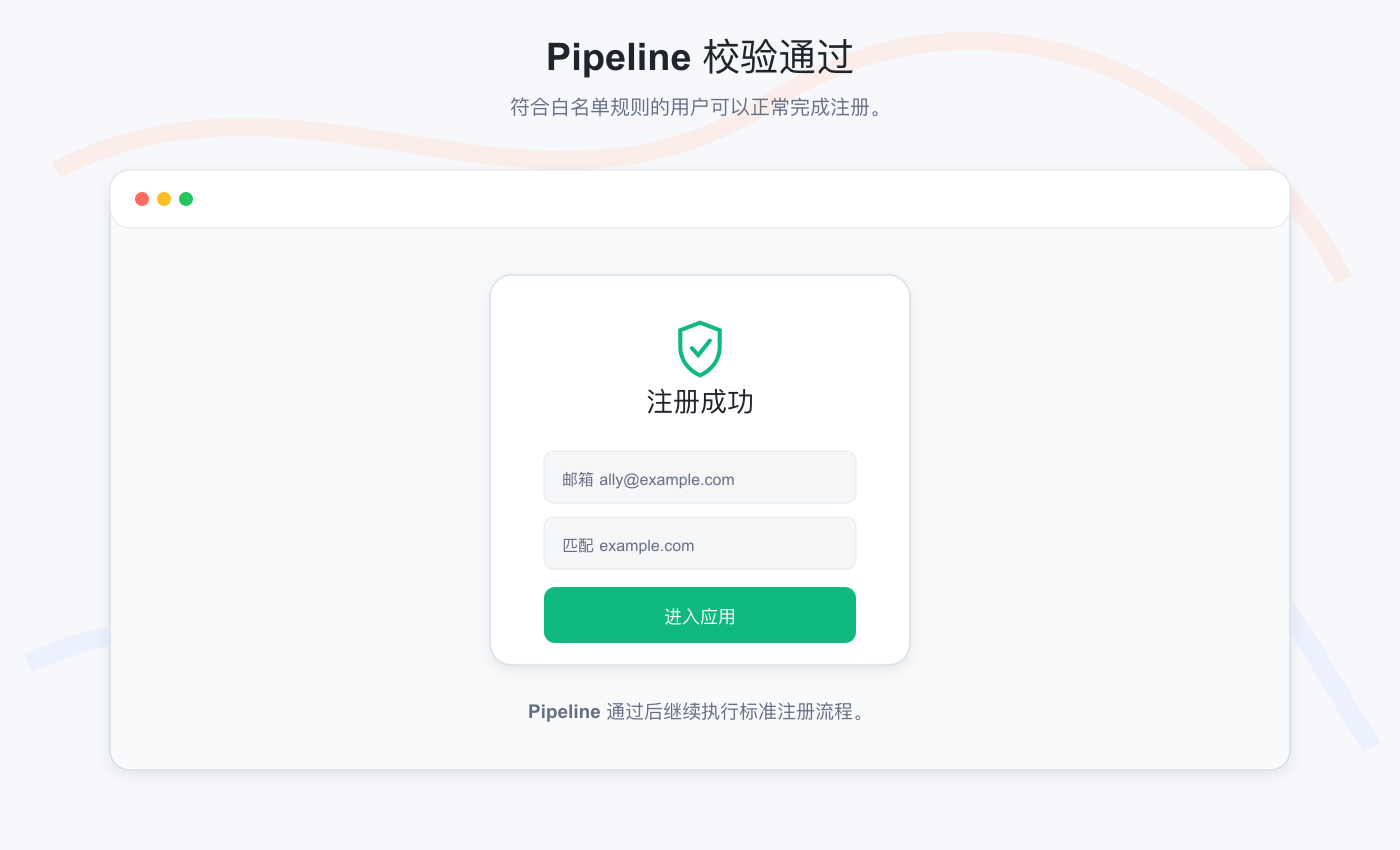
- Then register with an email address with the suffix
example.com. Registration is successful!
Step 4: You may also need to
- Read the Pipeline Function Development Guide in detail.
- Learn what request information you can get in the pipe function: user object and context object.
- Learn how to use environment variables in Pipeline.
- Learn about the available Node Modules in the Pipeline function. You can use Node.js/JavaScript directly!
- We provide a lot of rich Pipeline function templates.
- We also provide convenient online debugging methods to facilitate developers to debug online.