
Manage user accounts
Manage user accounts, including forgotten passwords, email verification, changing email addresses bound to mobile numbers, multi-factor authentication, as well as disabling user accounts, binding social logins, and account merging. If you use GenAuth, congratulations, all these features are built-in, and you only need to spend a very short time to complete them quickly.
Use hosted login page and personal center
GenAuth provides developers with a built-in, beautiful, highly configurable login form, which you can experience here (hereinafter we refer to this login form as Guard), the address is https://<YOUR_DOMAIN>.genauth.ai/:
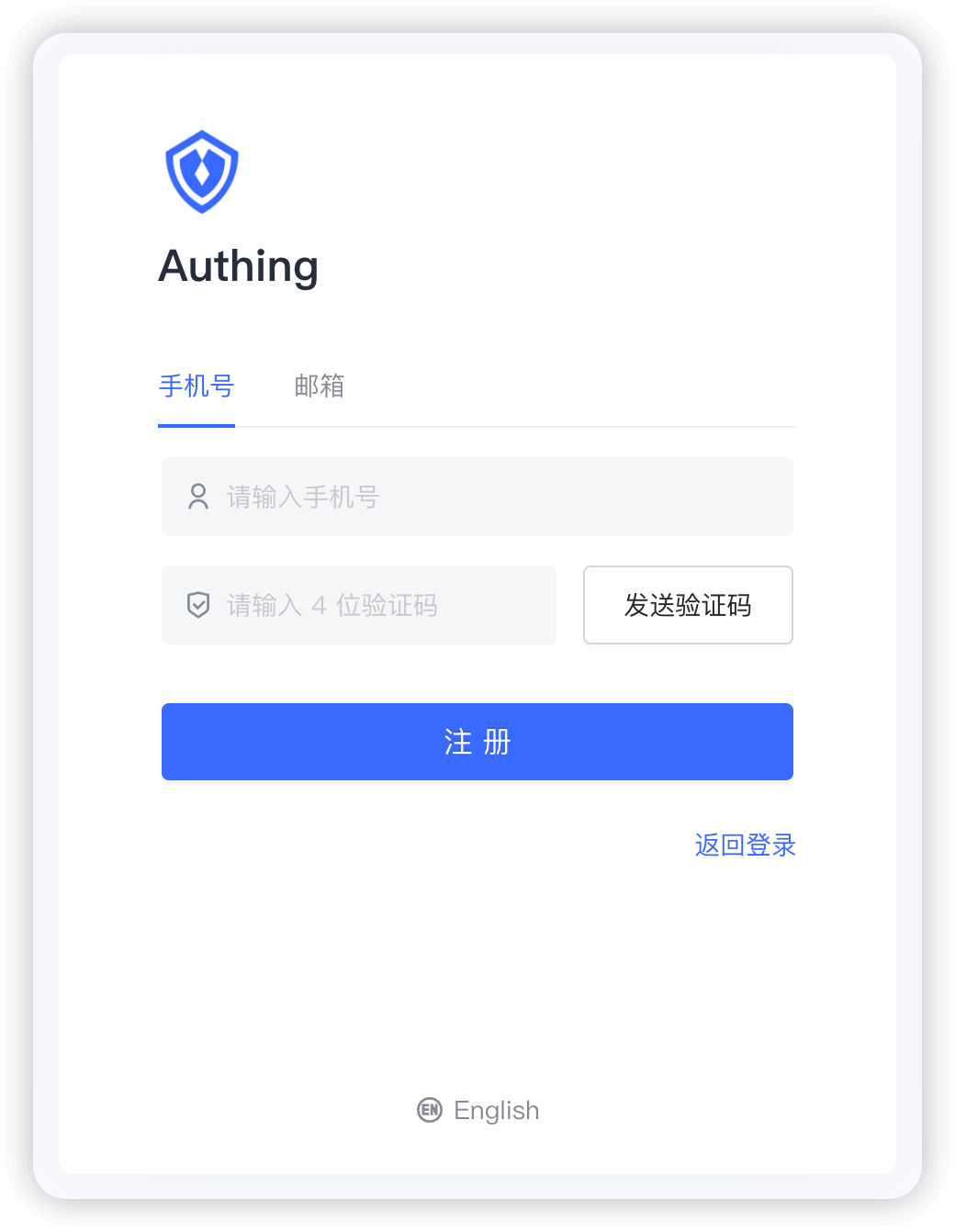
You can perform login registration, forget password, reset email, send SMS verification code, scan code login and other functions.
And a user personal center, you can experience here, the address is https://<YOUR_DOMAIN>.genauth.ai/u:
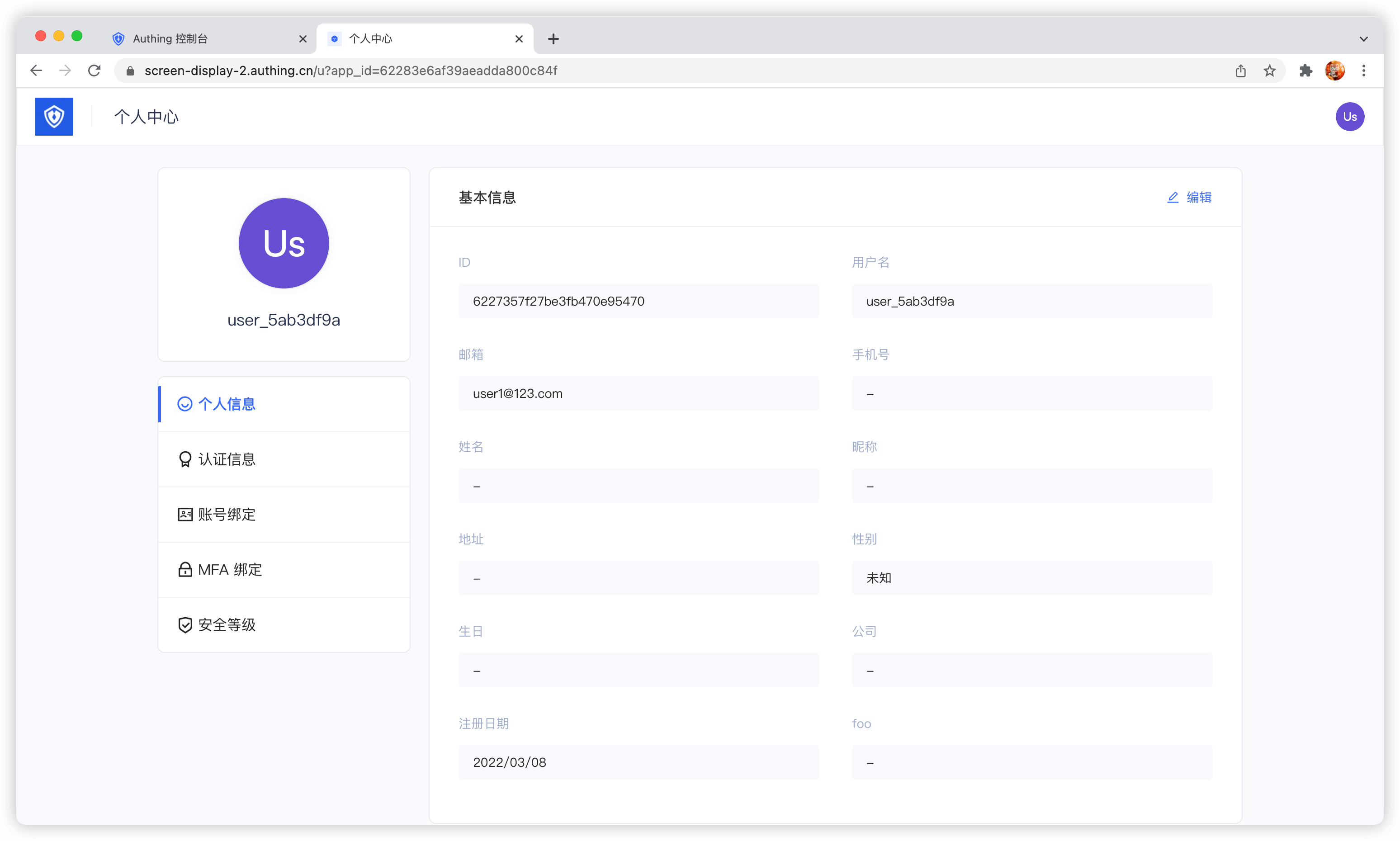
With the hosted login page and personal center, users can complete self-service personal information management.
Modify account information
GenAuth provides a built-in user personal center page (address: https://<YOUR_DOMAIN>.genauth.ai/u), which can complete the modification of user basic information:
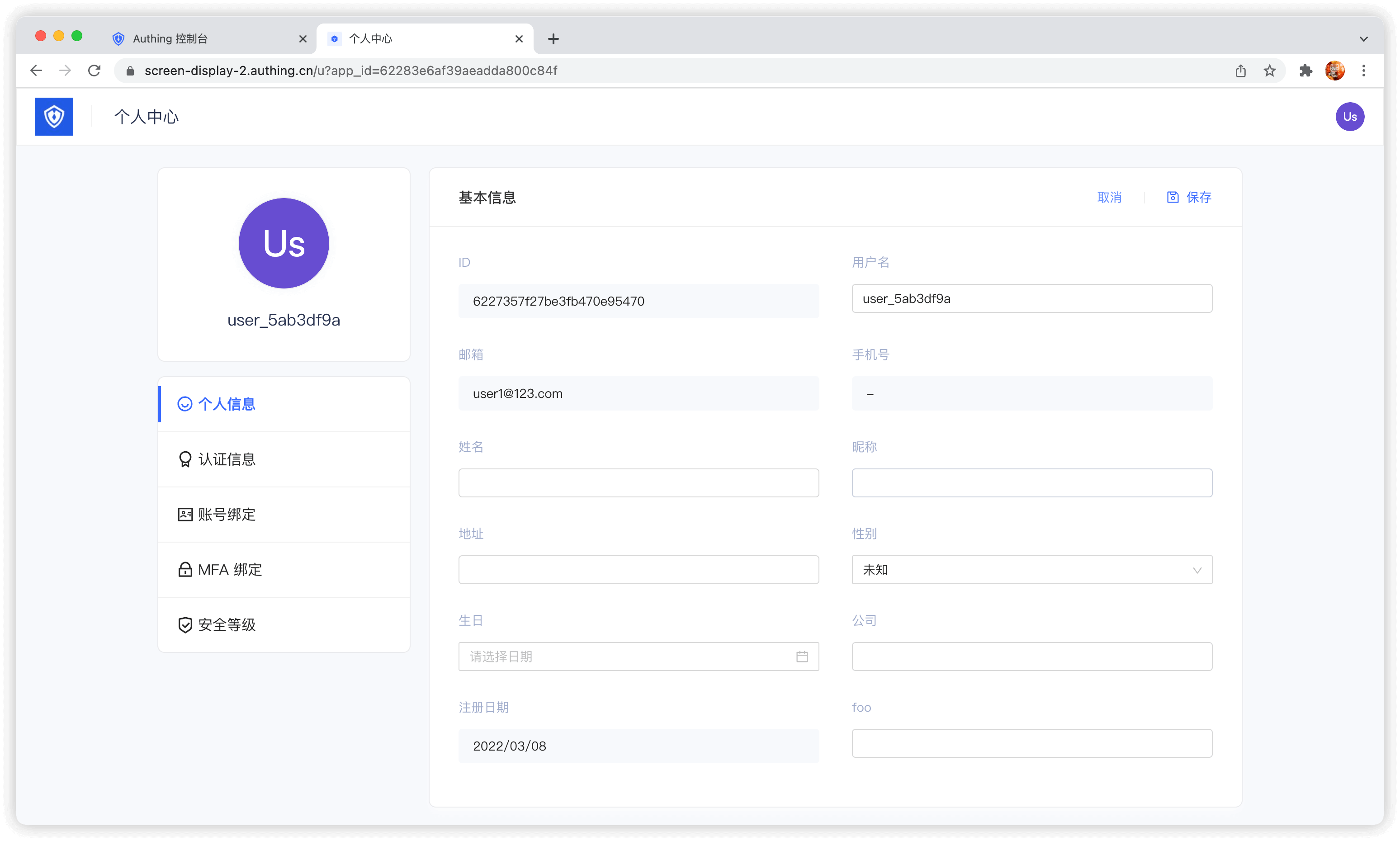
Modify password
When the user remembers the current password, he can modify the password by verifying the current password:
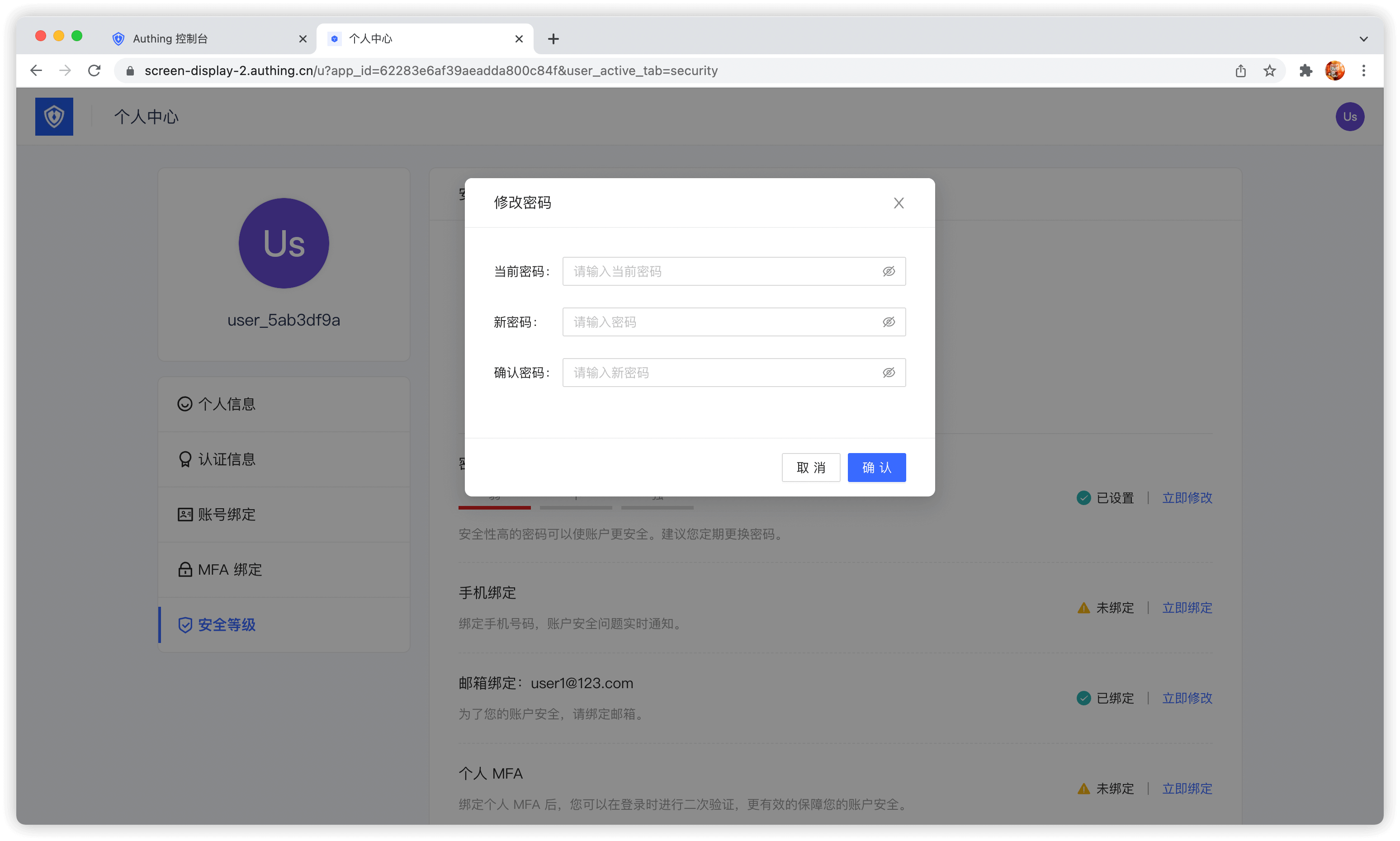
Forgot password
When the user forgets the current password, he can reset the password through the following process:
Click Forgot password
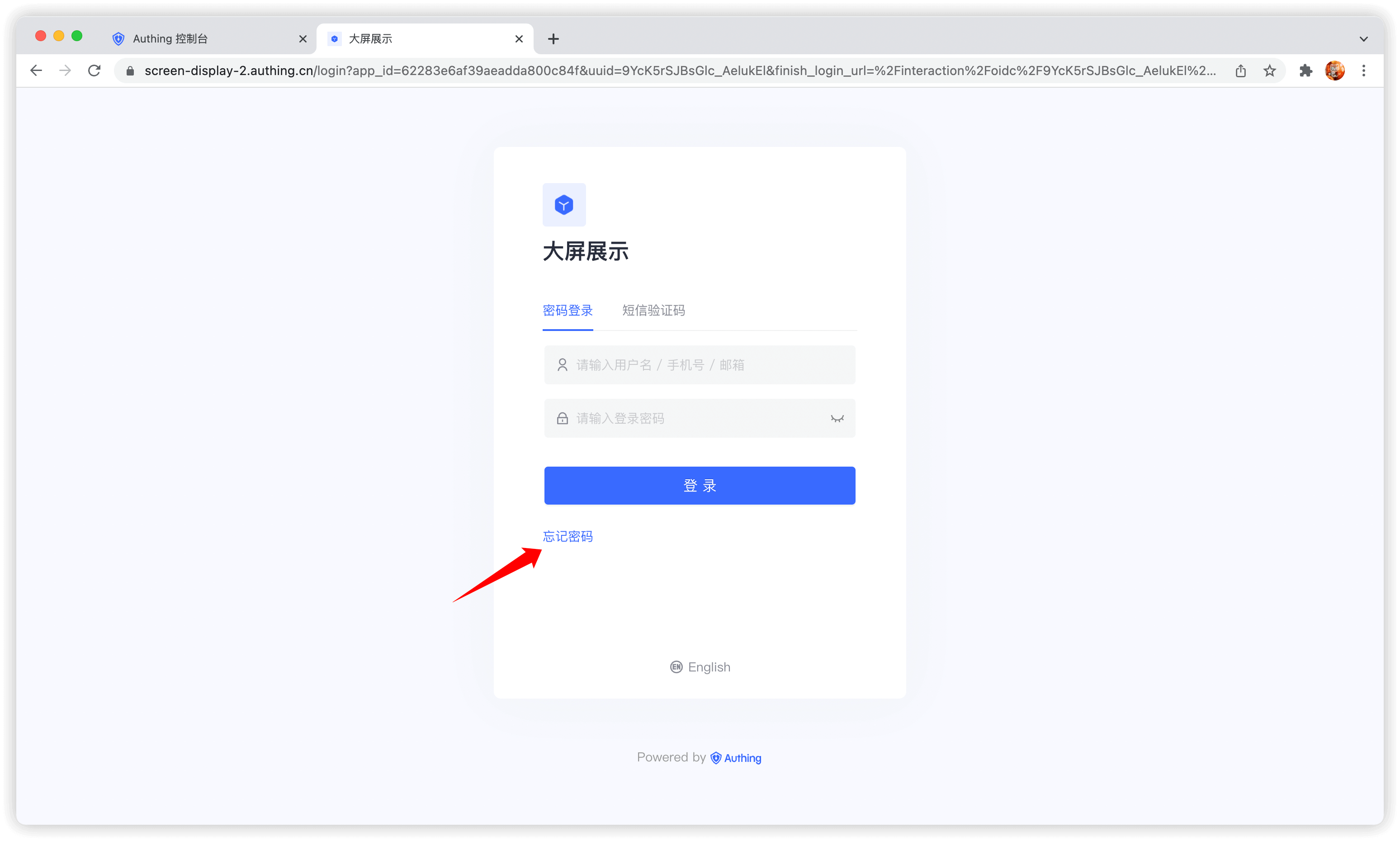
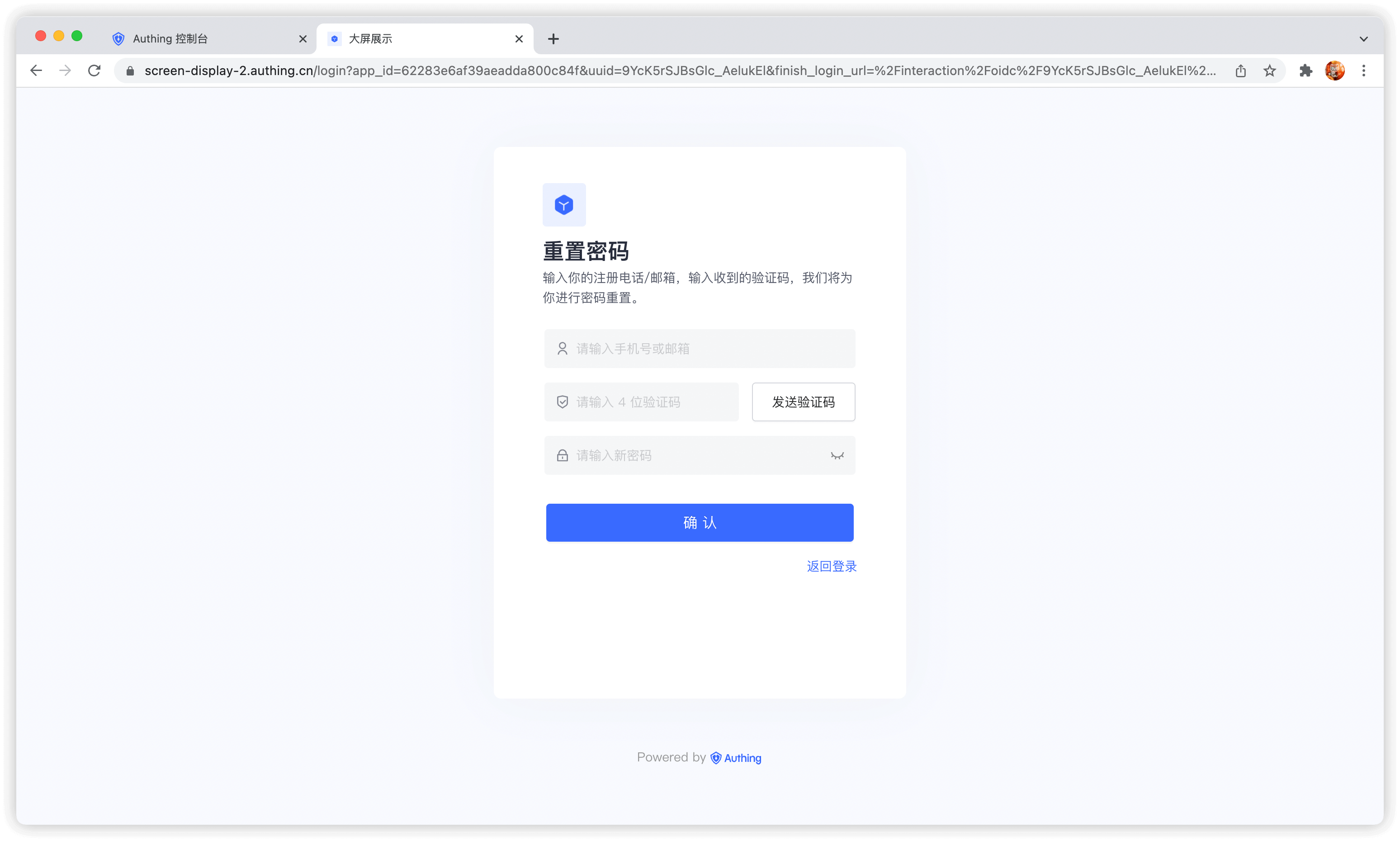
You can choose to use email or mobile phone number for verification:
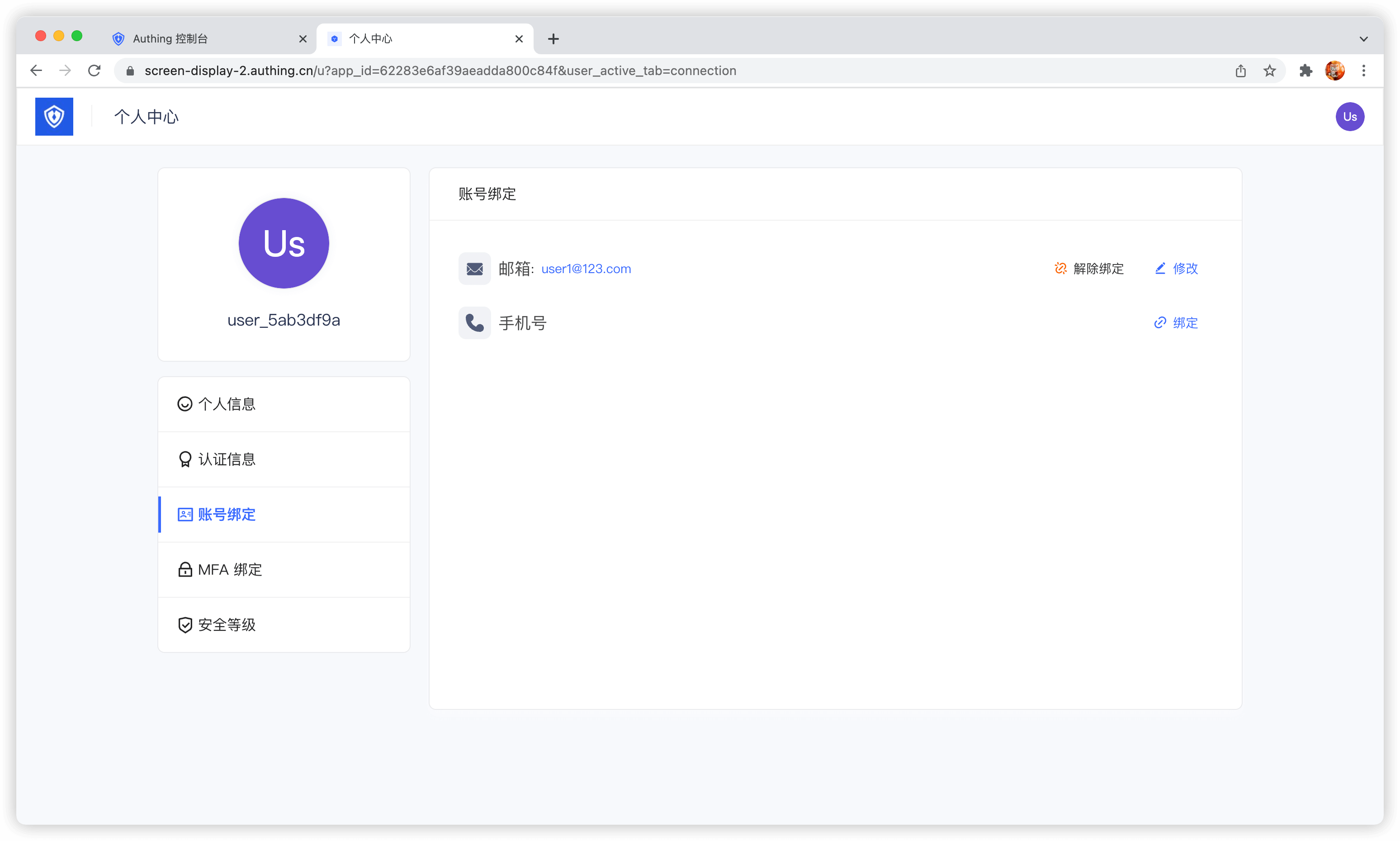
Bind email and mobile phone number
Terminal users can use the Account Binding Tab in the Personal Center Bind and unbind email or phone number in:
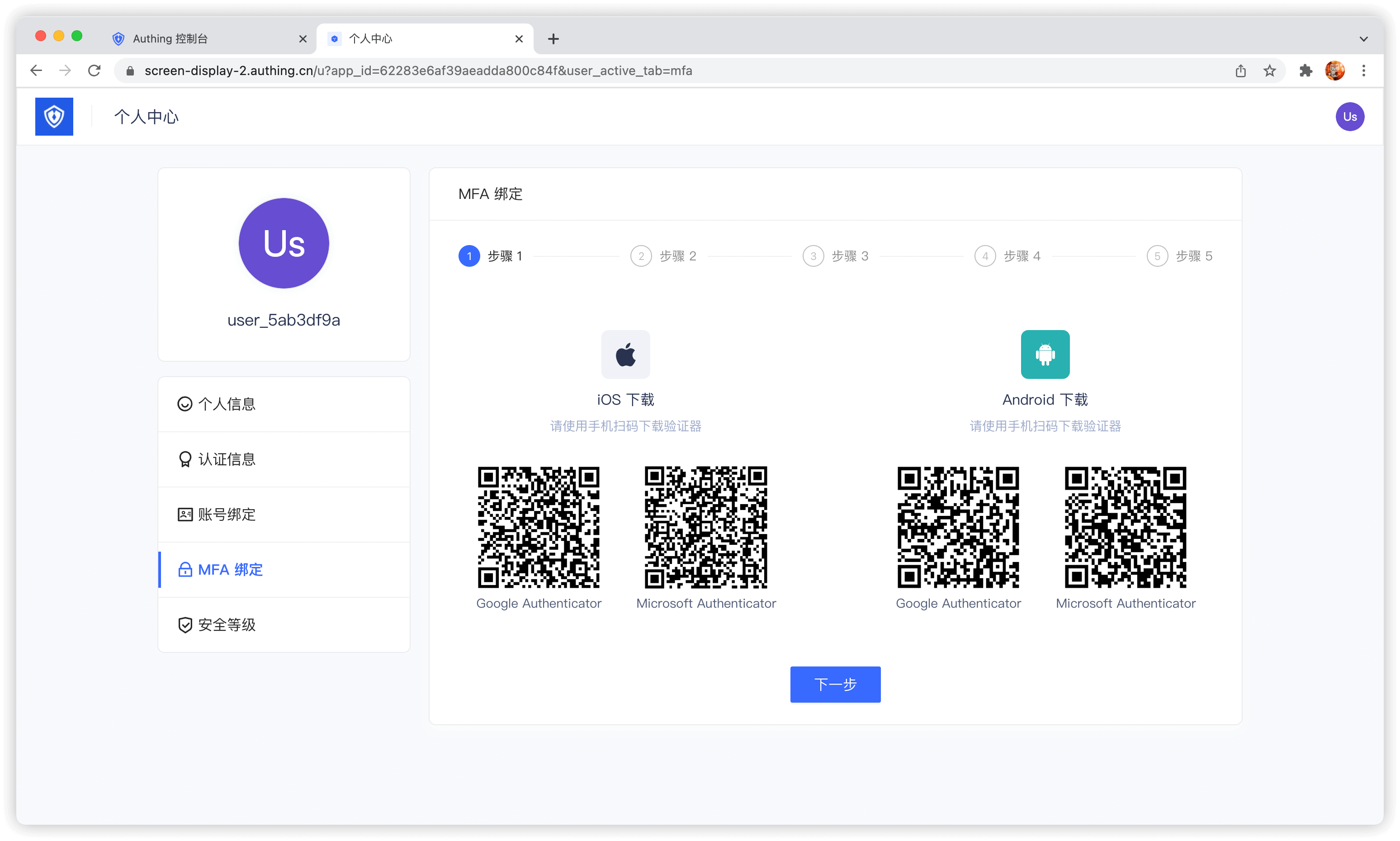
Bind MFA
End users can bind MFA in the MFA Bind Tab in the Personal Center:
Use the console
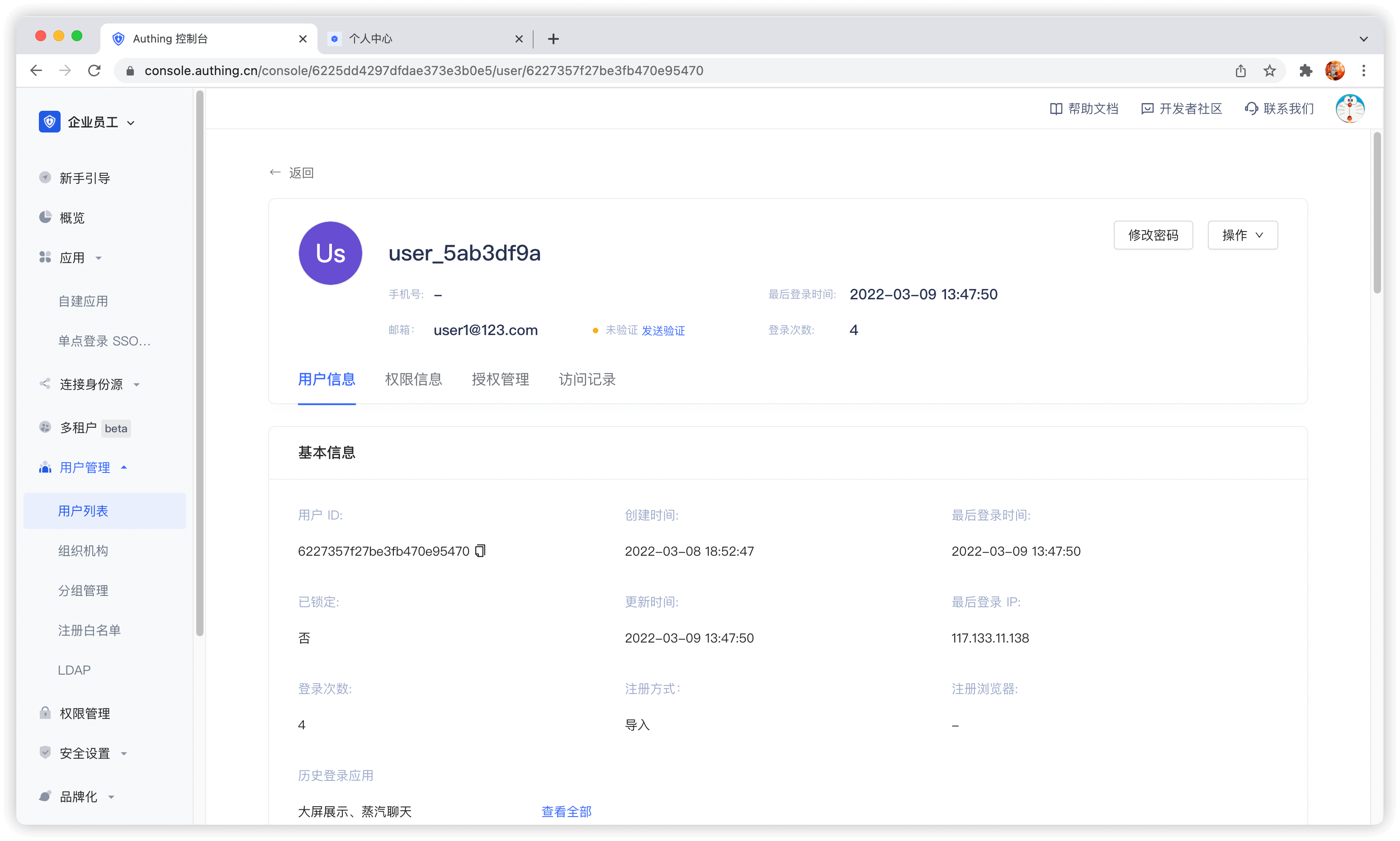
Administrators can use the console to visually manage user accounts.
Edit user information
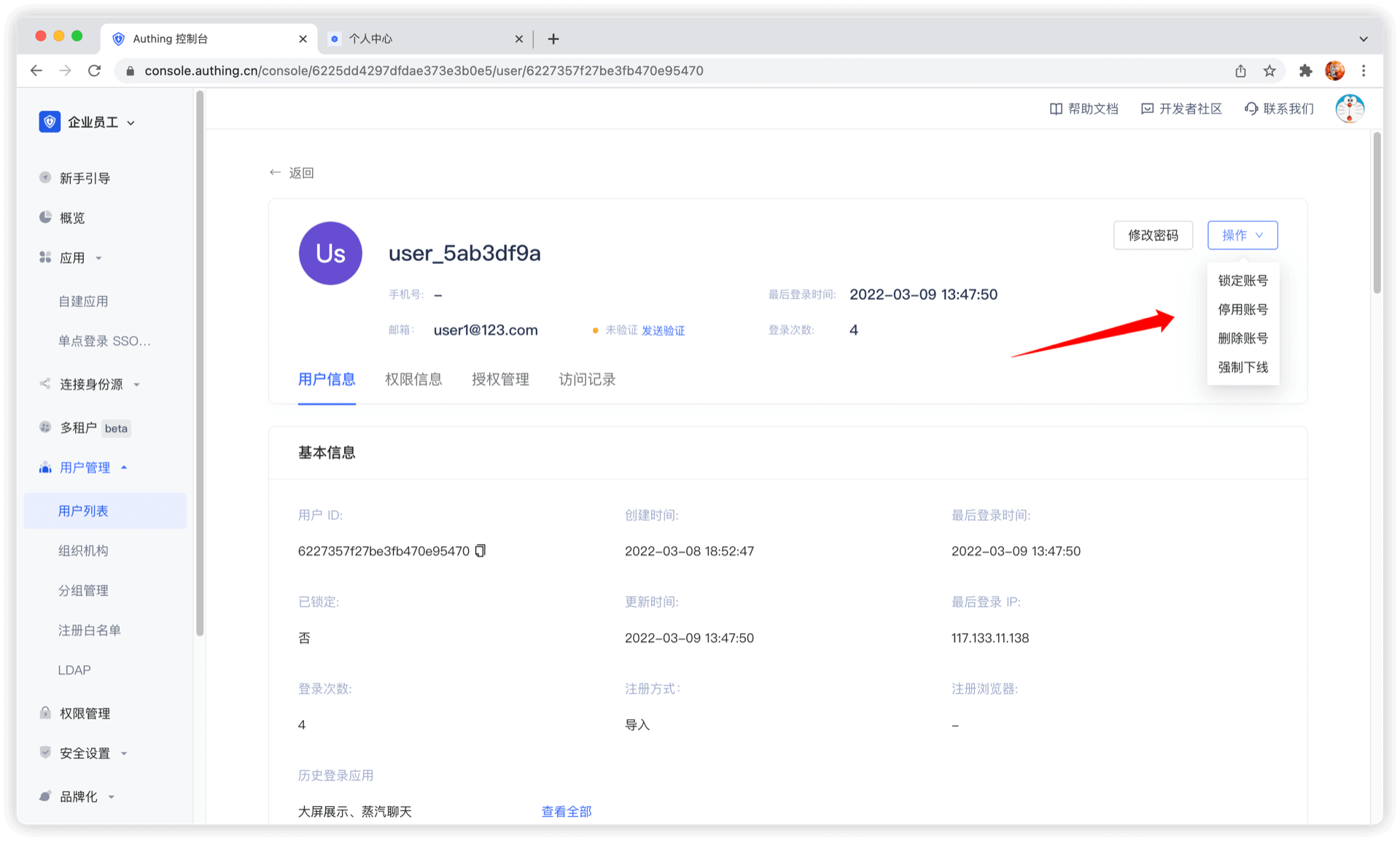
Disable account
Administrators can disable accounts on the user details page. Disabled accounts will not be able to log in again:
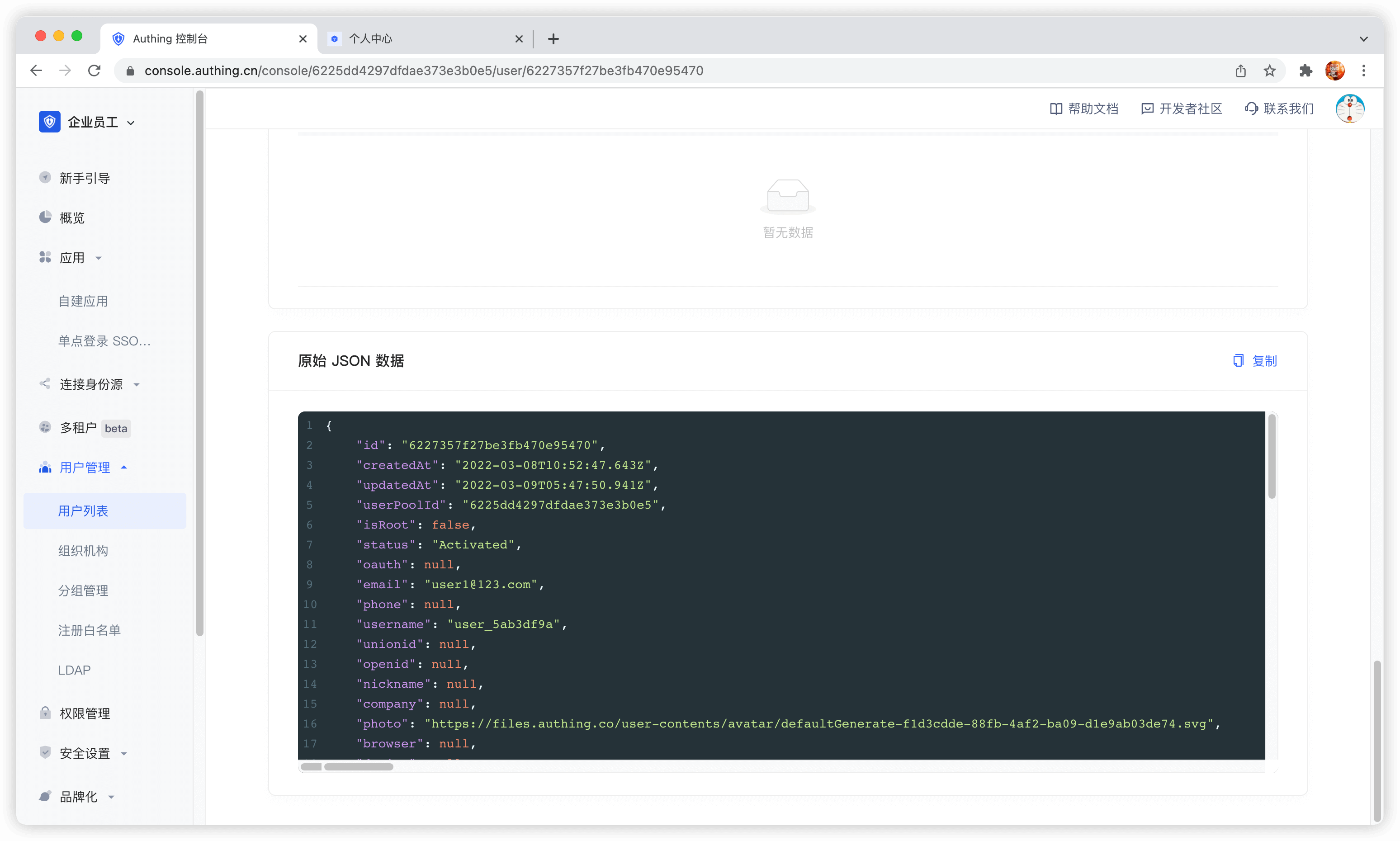
View raw user information
Use SDK/API
GenAuth provides Authentication SDK/API and Management SDK/API. You can use Authentication API and complete user self-service personal account information management. Use Management SDK/API to manage user information as an administrator. Operations performed as an administrator do not require verification methods such as mobile phone number verification code, email verification code, MFA, etc.
GenAuth supports SDKs in multiple programming languages including Java, JavaScript/Node.js, Python, PHP, C#, Swift, Go, Ruby, WeChat Mini Program, etc. You can choose the SDK you are familiar with: